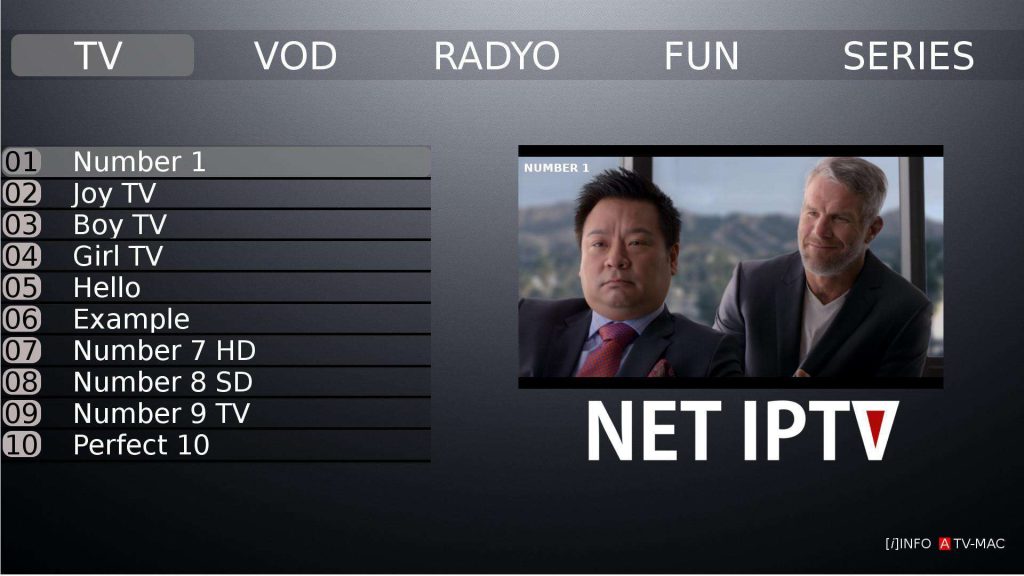
After the removal of the Smart IPTV app from Samsung Smart TVs, the Net IPTV app has appeared on Samsung to replace it. The NET IPTV app is also available on the Google Play Store for Android TV.
https://www.youtube.com/watch?v=qvDfVyAXnZA
The app is similar to Smart IPTV regarding the injection of m3u plus links; you just need to access the app’s website at: https://www.netiptv.eu/Upload
Prepare your m3u plus playlist (m3u URL) + your Net IPTV MAC address.
Then follow these steps:
1. Install the Net IPTV app on your Samsung Smart TV or Android, then go to www.netiptv.eu/upload
2. Enter your TV MAC address on UPLOAD M3U/URL
3. Enter your M3U list
4. Check Recaptcha (I am not a robot)
5. Wait a moment
6. Click send
7. Please wait 5 to 10 seconds
8. Restart your TV again
9. Go to Net IPTV
10. Press any button
11. Your playlist is ready.