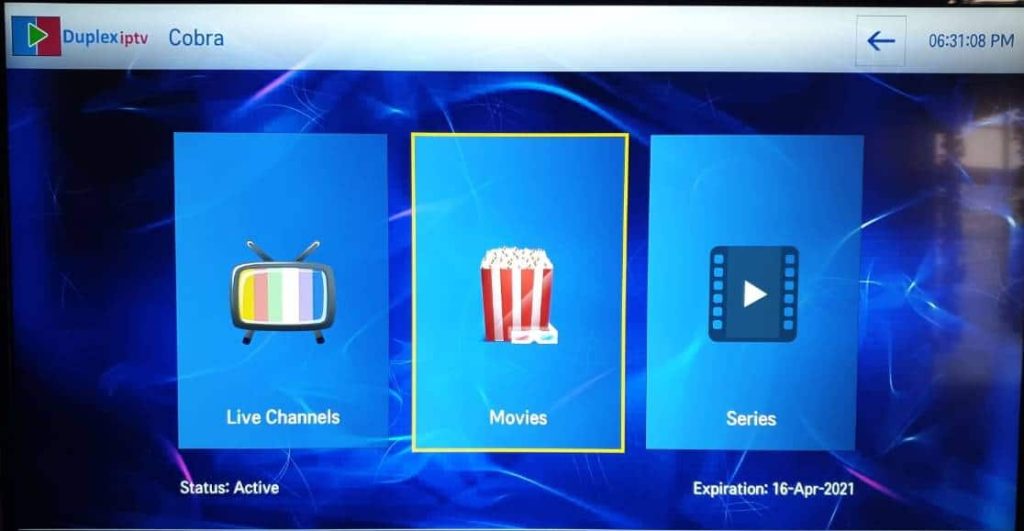
In this article, we will introduce you to the new application Duplex IPTV. We have tested the application, and we can only say that it is sublime!!
This new application is the best application that exists so far because it is full of options that make life better and allow you to enjoy the maximum possible from your IPTV subscription.
Availability of Duplex IPTV:
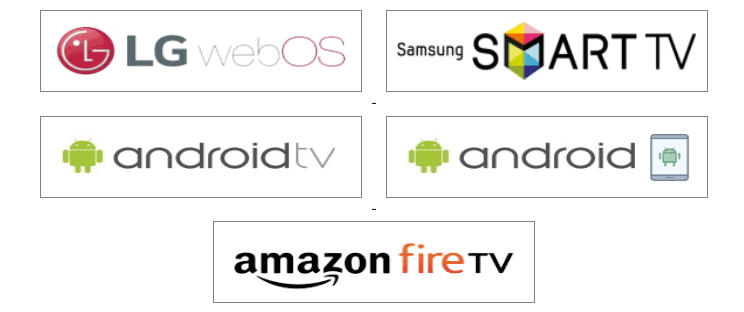
The Duplex IPTV application is available on:
- Android / Android TV
- LG Smart TV (WebOS)
- Samsung Smart TV (Tizen 2017 or later) Please note that the application is only available in the US store. If your TV is not set to the USA Store, switch your TV to the United States and install it.
- Amazon Fire Stick TV
Add a playlist with m3u or Xtream codes:
The Duplex IPTV application can be powered with a m3u URL (m3u plus or m3u with options) or with the Xtream Codes API option (Username + password + URL).
To add a playlist or connect the application to your IPTV account, install the application and click on « Add Playlists »

Then you will have a page inviting you to add your playlist; you need to go to this site edit.duplexiptv.com
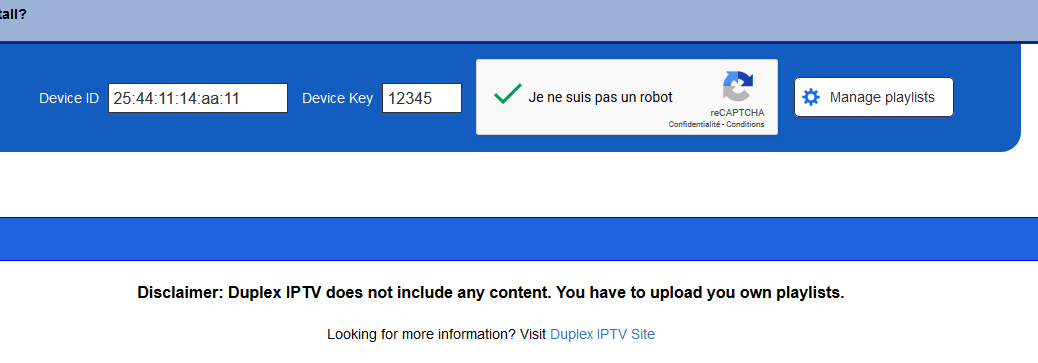
Make sure to note the two codes « device ID » and « Device key »

Open the page edit.duplexiptv.com using your browser and enter the Device ID and Device key in the fields, check the Captcha verification, and click on Manage playlist:
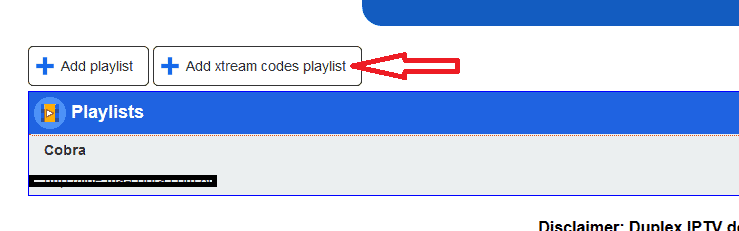
Then click on the Add xtream codes playlist button.
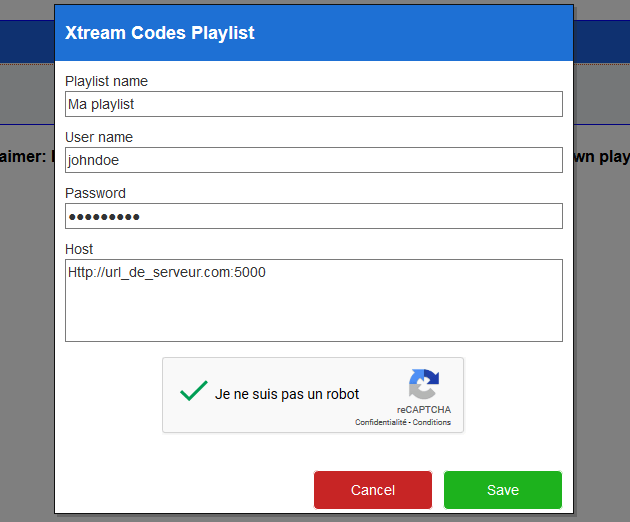
Enter the server login information (for playlist name, put whatever you want + your username + password + URL) and then click the save button:
Now return to the Duplex IPTV application and press the blue remote button or Reload / Refresh to

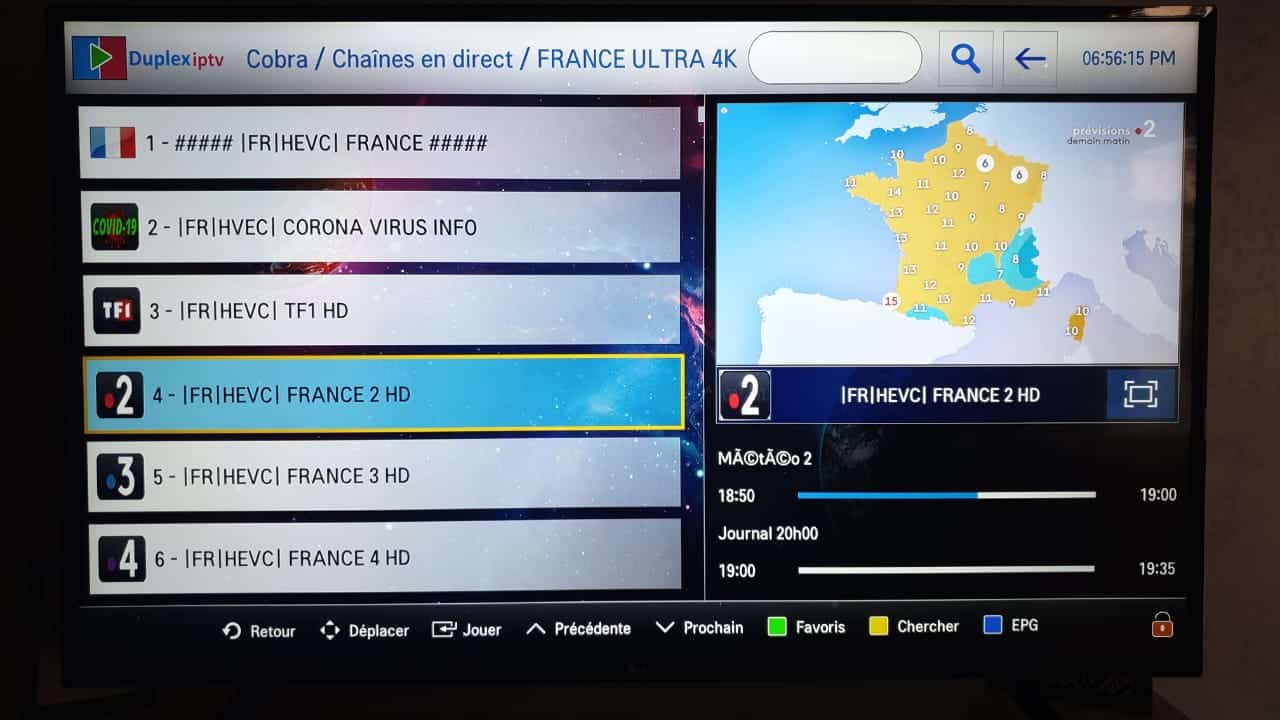
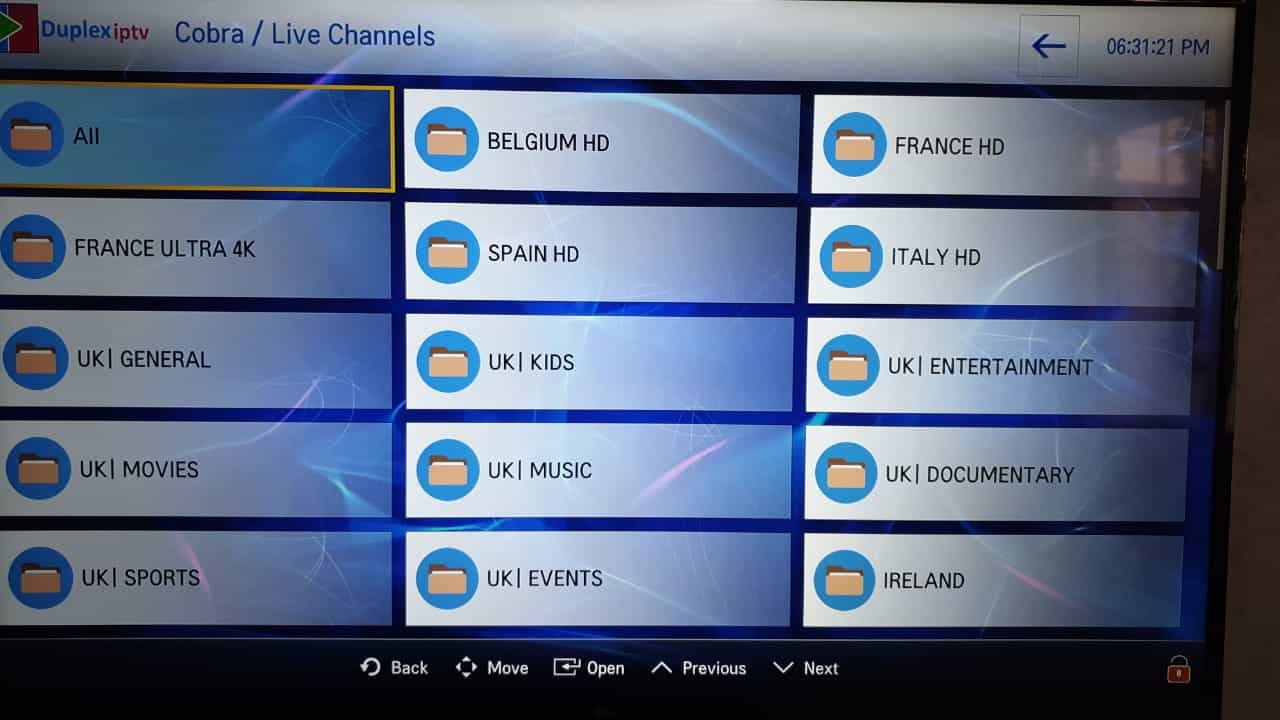
Press on the playlist name you chose to access the content of your IPTV subscription:

You can now fully enjoy your IPTV subscription and take advantage of many benefits of this magnificent application.
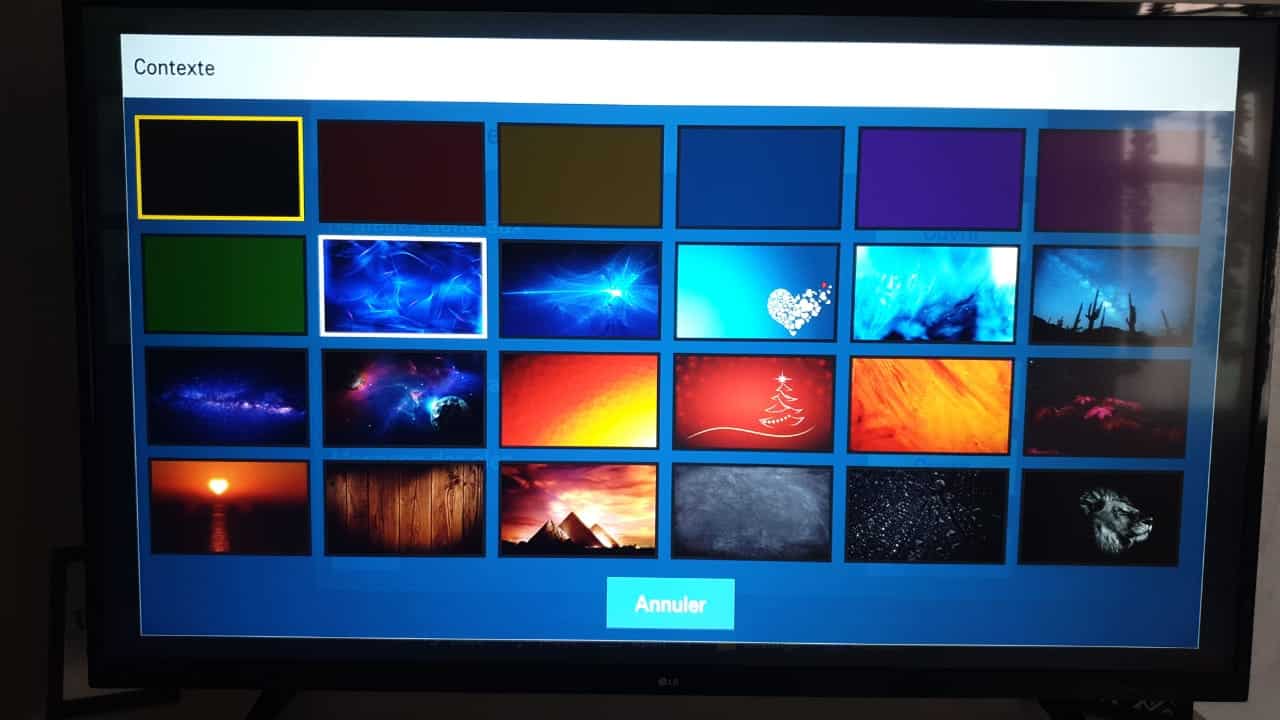
Features and options:
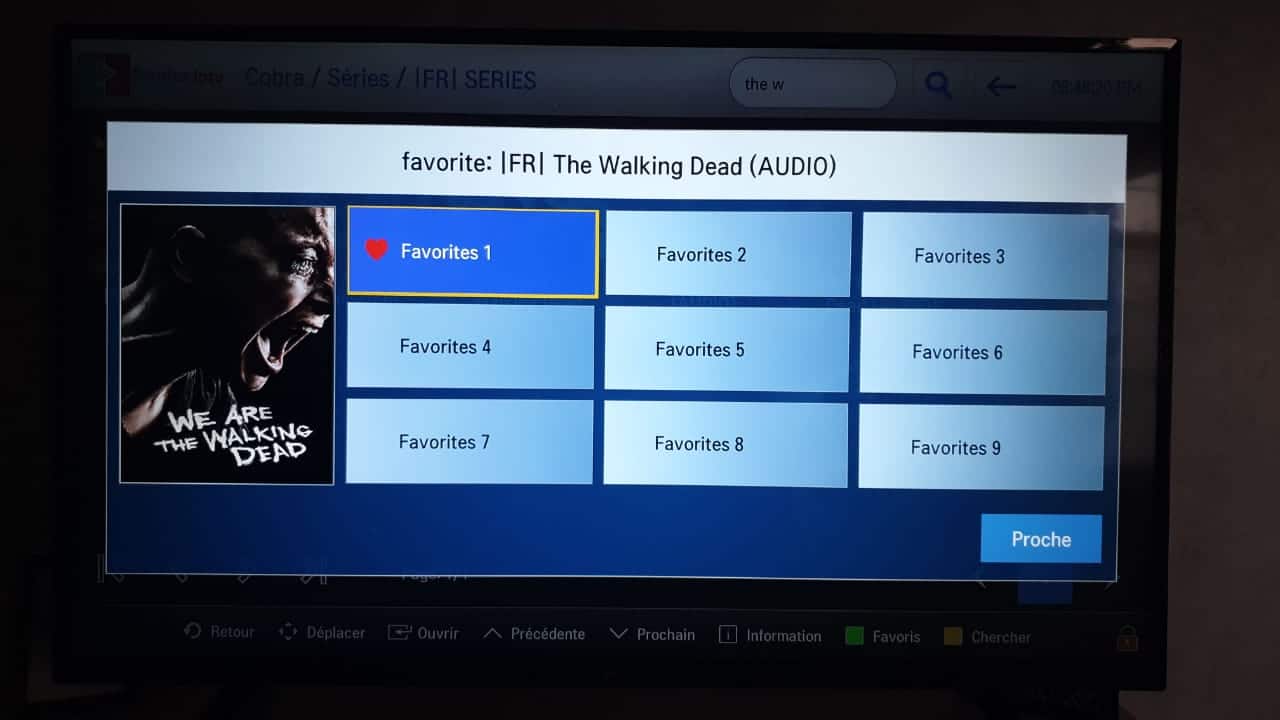
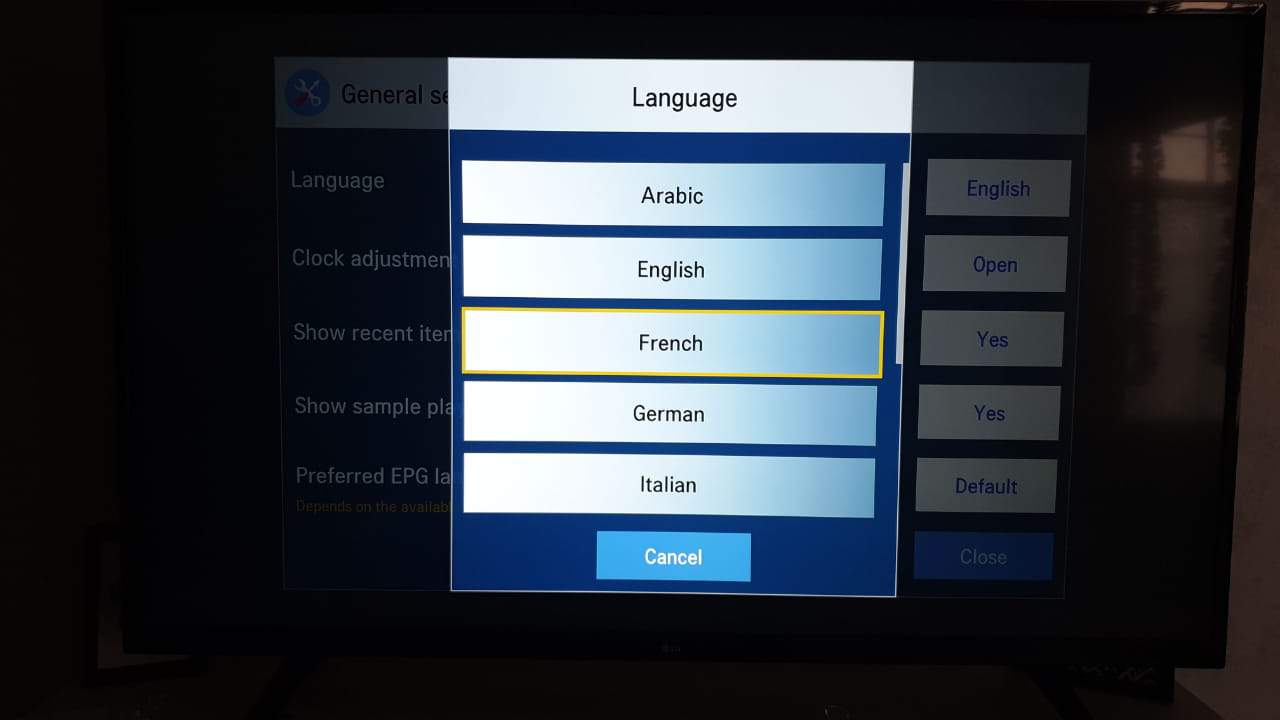
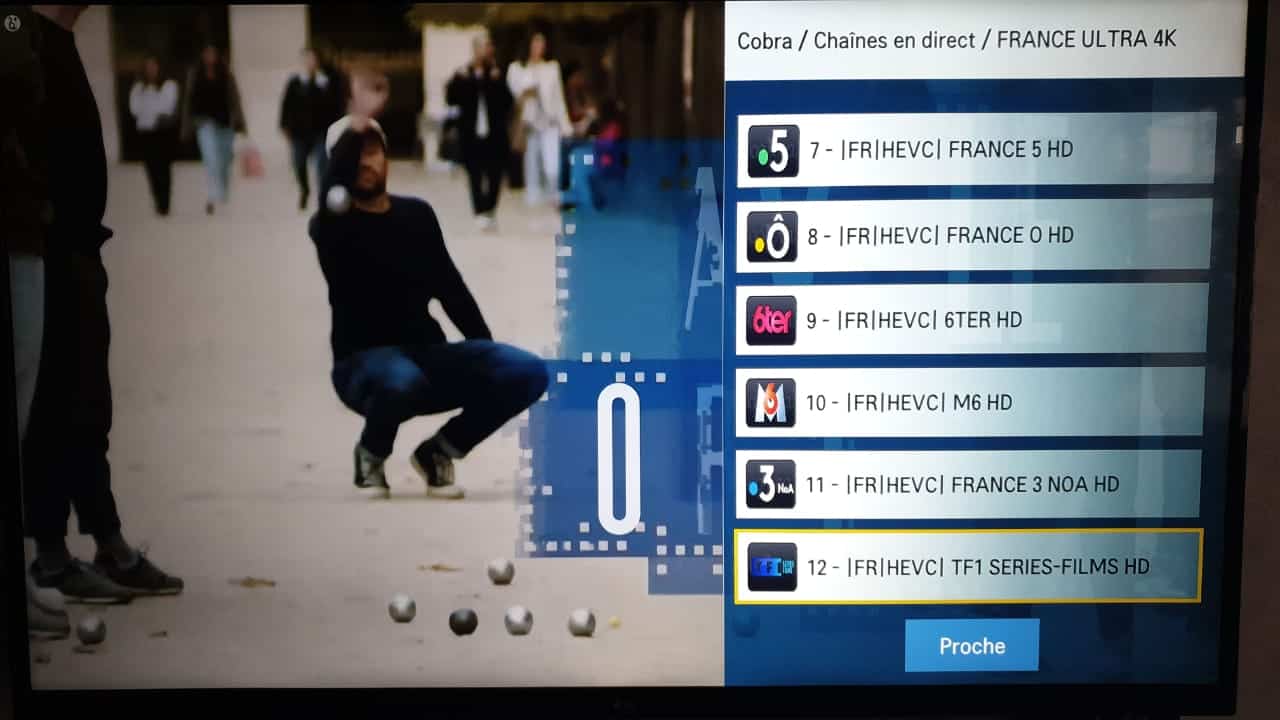
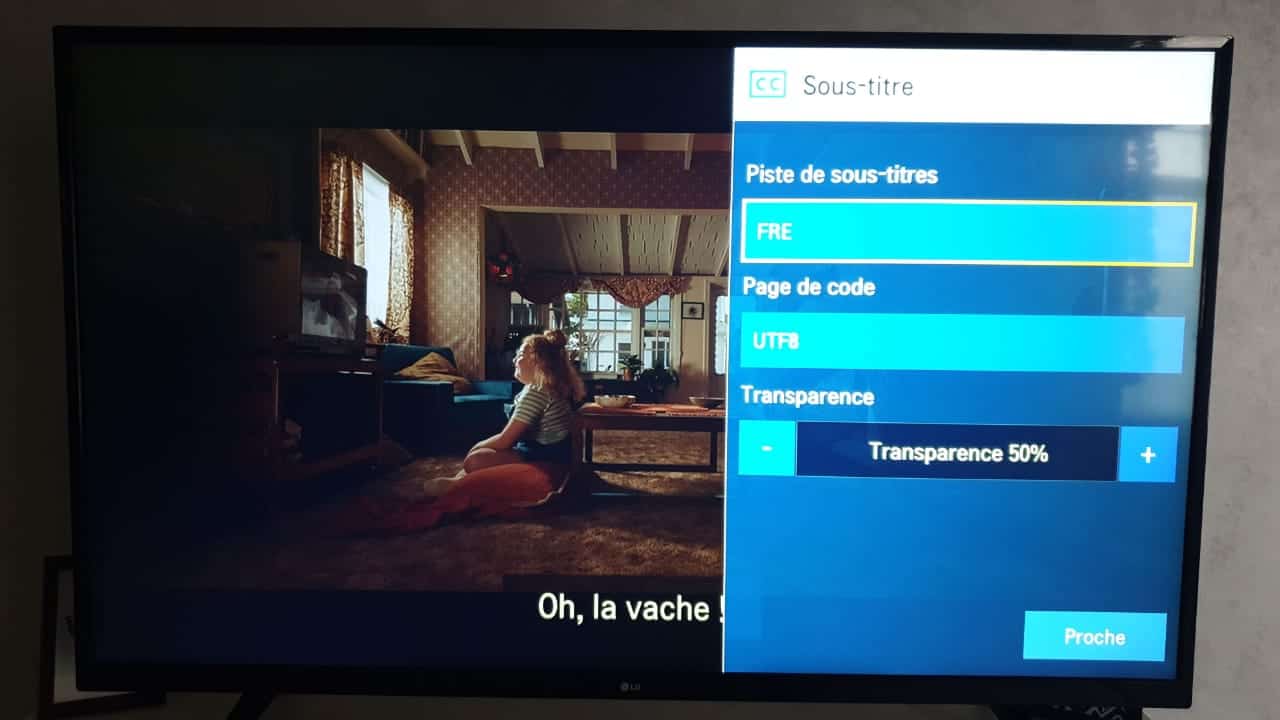
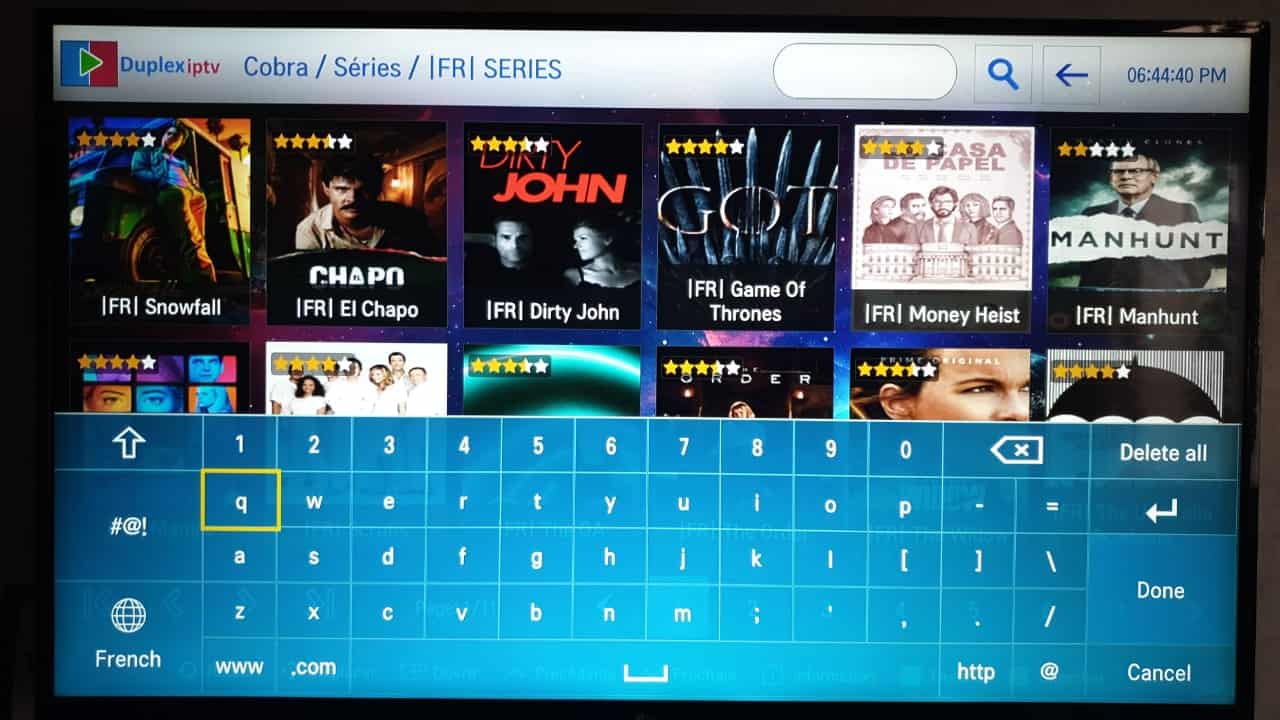
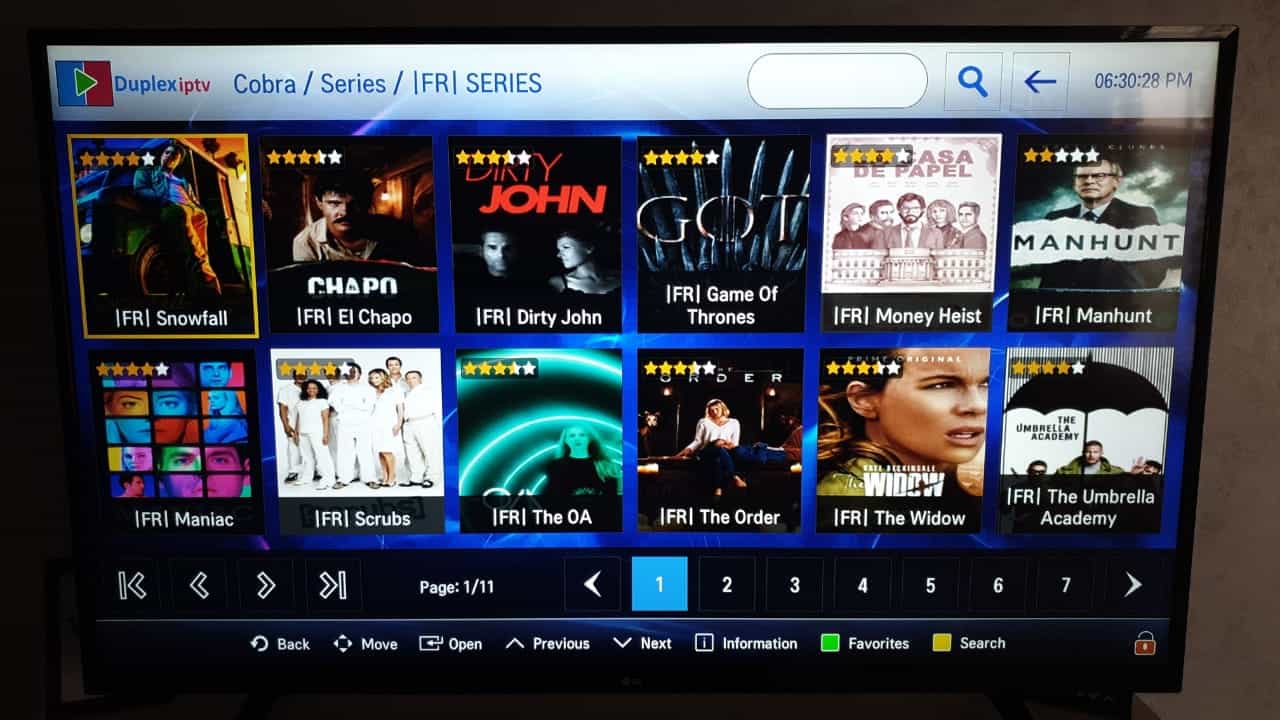
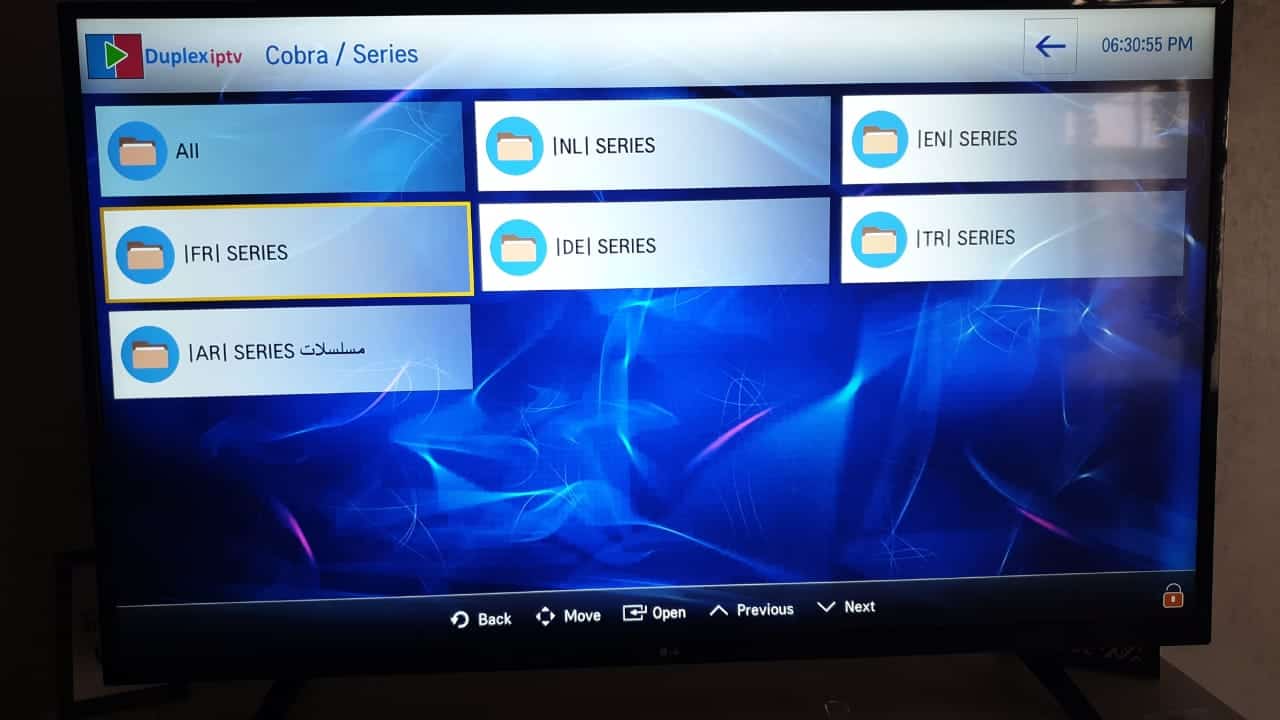
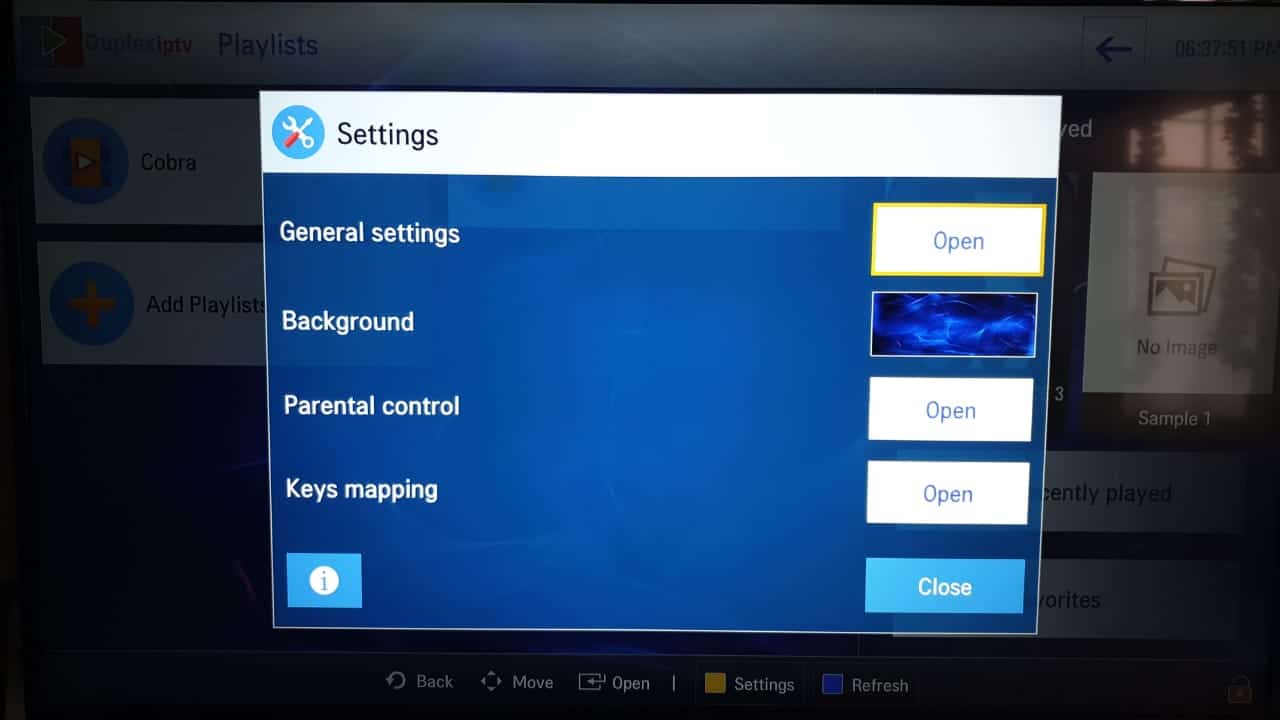
Watch the presentation video of Duplex IPTV:
https://www.youtube.com/watch?v=PfF_VEFwY8w
Need an IPTV subscription compatible with this application? ORDER NOW