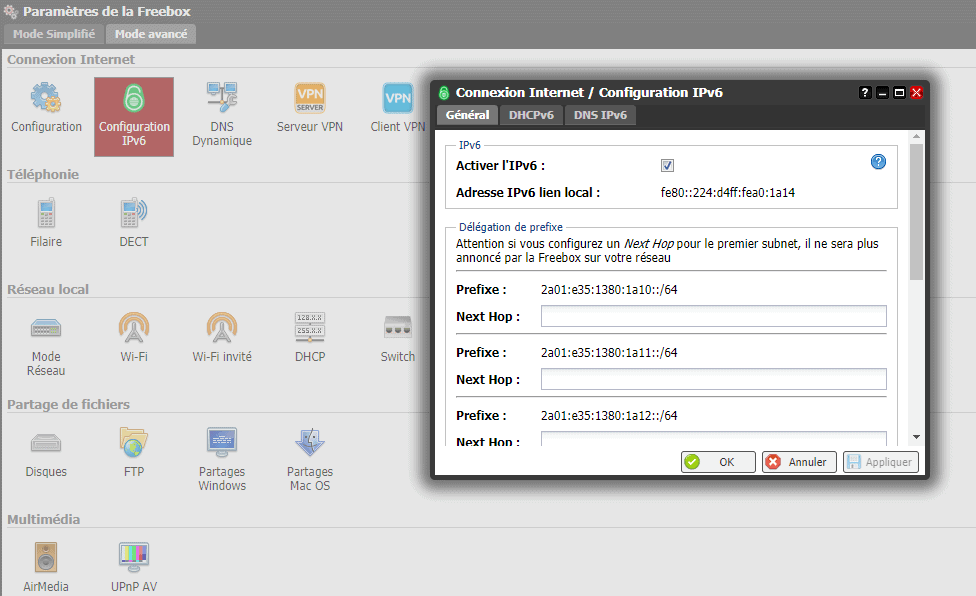
The first method involves disabling it through your Free subscriber area and can be used for a v5 or v6 box. The second method allows you to switch your box to IPv6 via the Freebox OS interface; this method is valid for Freebox Révolution and Mini 4K.
Method 1: via the Free subscriber area:
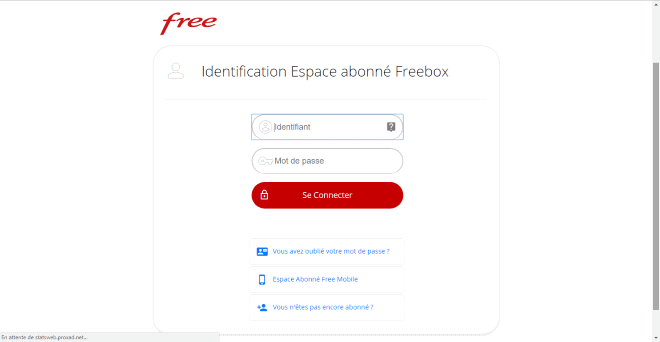
Go to your Free subscriber area and enter your username and password:
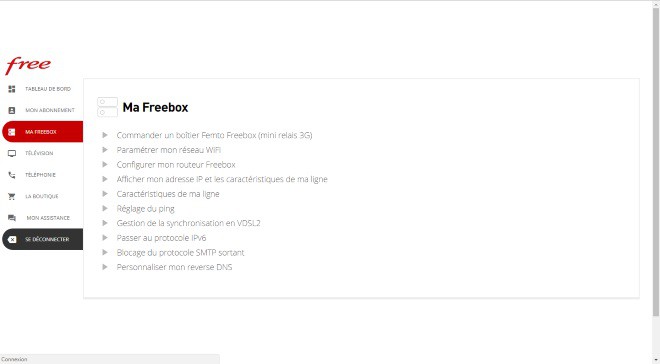
Next, access the section « My Freebox » in the menu on the left side of the screen. Here, several options will be presented; the one we are interested in is « Switch to IPv6 protocol. »
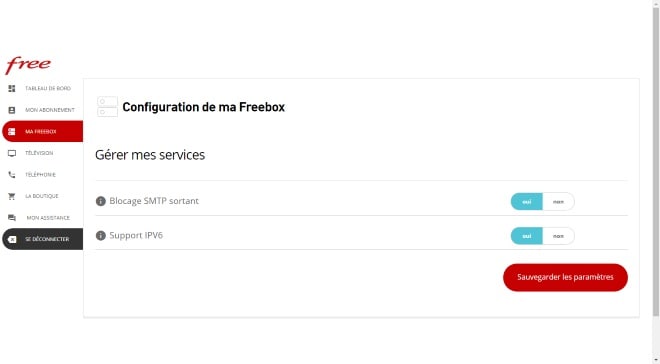
After selecting this option, you just need to choose « no » for the « Support IPV6 » option to disable it:
Method 2: via the Freebox OS interface (for Freebox Révolution and Mini 4K):
Log in to your Freebox OS interface, make sure that « advanced mode » is enabled, then select « Freebox settings. »
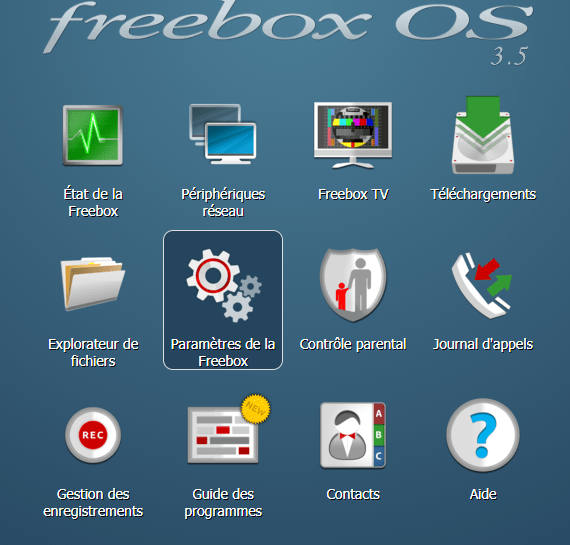
Next, in the « internet connection » section, click on « IPv6 Configuration. » A window will open, and you just need to uncheck the box « Enable IPv6 » to disable the option.