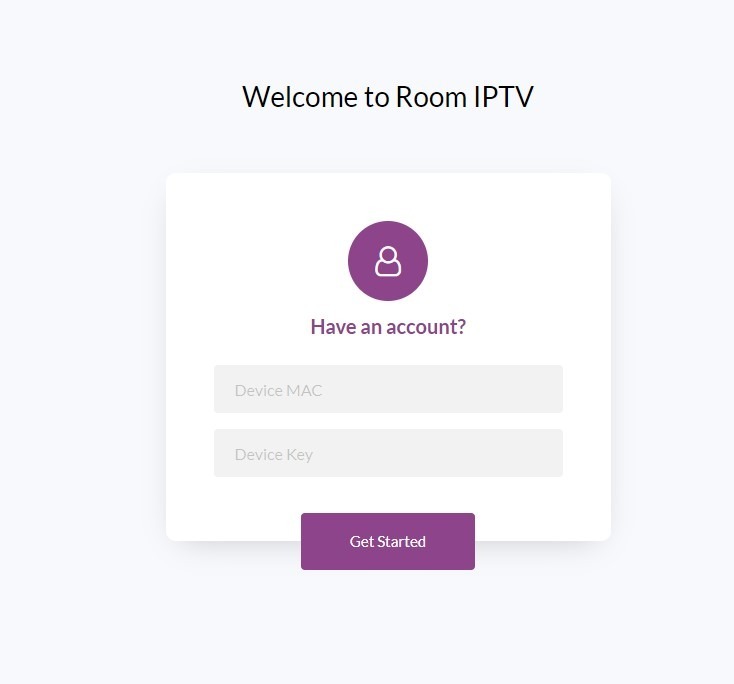
Access this page: https://manage.roomiptv.com/multi/login.php
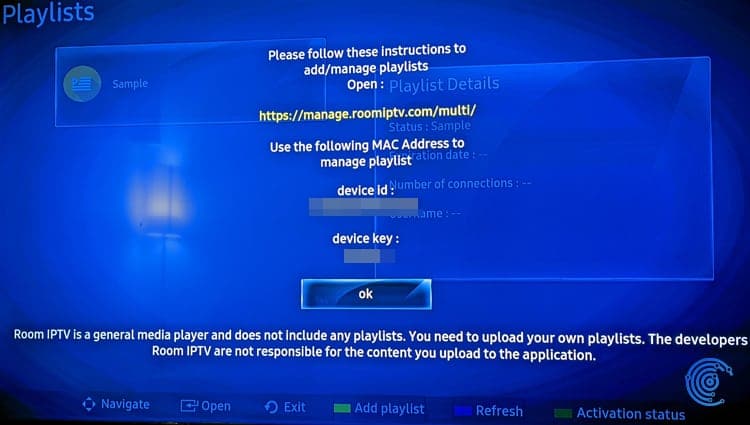
- Enter your Device ID and Device Key displayed on the first screen of your application
If you cannot find these identifiers, go to add playlist and then add online.
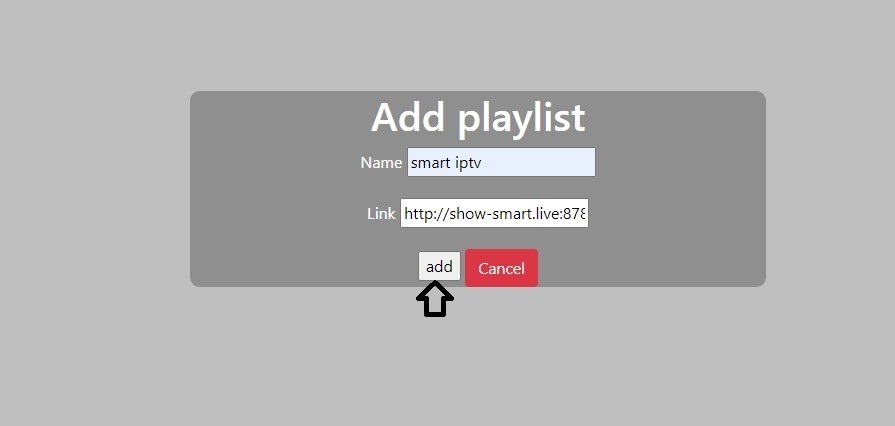
- Click on add playlist
- Return to your Smart TV, restart the ROOM IPTV application (press the blue button). If the channel list does not load automatically, restart the TV and relaunch the application.